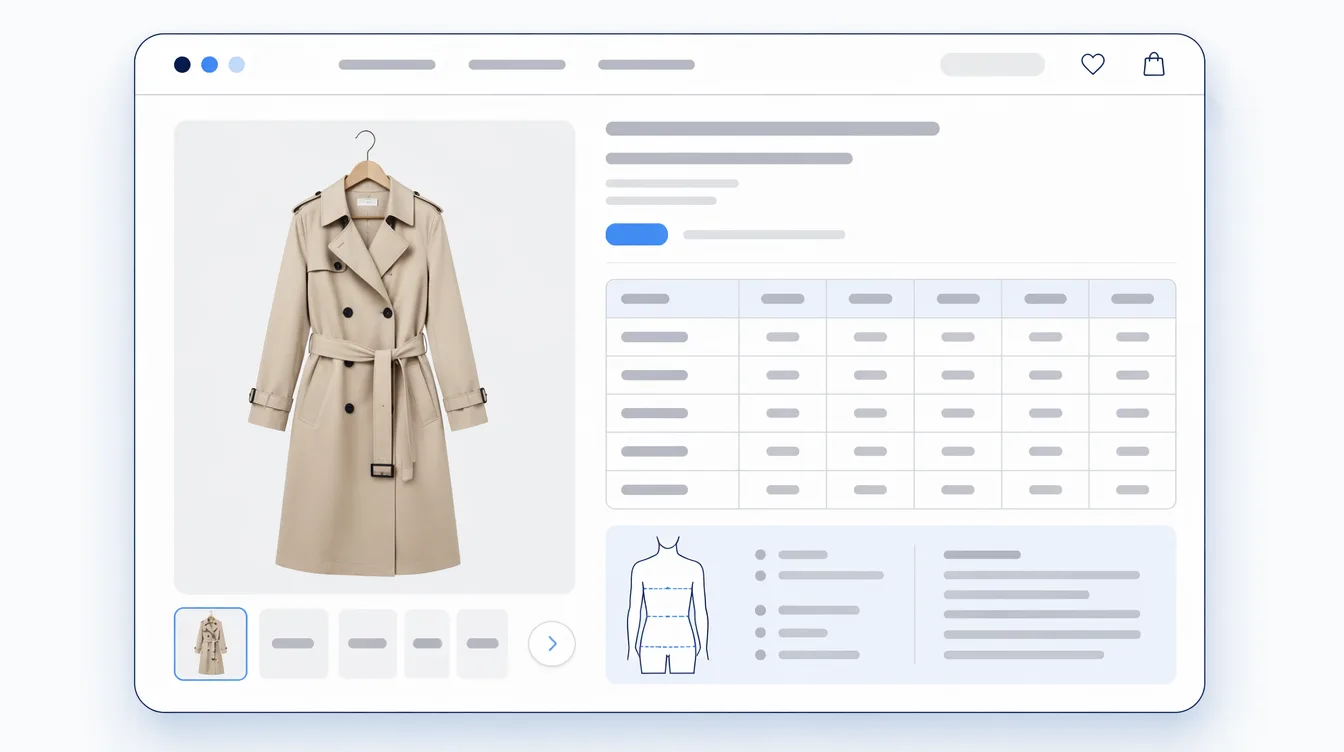

A size chart is necessary. But a size chart alone does not always remove the shopper’s doubt.
The last question is often more practical: “Does this Medium actually feel like a Medium?” The measurements may be correct, but the shoulders can feel tight. The length can be shorter than expected. The waist can fit while the hip feels narrow. These doubts are often answered by buyer experience, not by measurements alone.

Shoppers Look for Fit Signals in Reviews.
Baymard’s apparel UX research notes that when shoppers cannot easily identify overall fit information in reviews, they can misjudge the fit or give up on the product. Reviews are useful proof, but the more reviews a product has, the more work it takes to find the one detail that matters.
“2,000 reviews” can reassure a shopper, but it can also create work. The shopper does not need every opinion first. They need the headline signal: does this item run small, true to size, or large?
Size Charts Show Measurements. Fit Feedback Shows Experience.
A size chart explains measurements: bust, waist, shoulder, inseam, and so on. That is the foundation. Baymard repeatedly emphasizes the need for sufficient sizing information on apparel product pages.
But measurements are only one part of fit. Stretch, fabric weight, silhouette, and personal preference all change how the same numbers feel. Putting buyer fit feedback near the size chart gives shoppers a second angle.
- Size chart: what the product measures
- Model-worn info: how it looks on a reference body
- Fit feedback: how buyers experienced it
These do not compete with each other. They support the same decision from different sides.
If Fit Details Are Buried, They Are Almost Invisible.
“They can read the reviews” is a merchant-side answer. On a product page, shoppers are already comparing size, color, stock, delivery, price, and return terms. Asking them to scan dozens of review paragraphs for fit details adds friction.
The display can stay simple. A small summary is enough to create an entry point:
- Runs small: 18%
- True to size: 67%
- Runs large: 15%
Now the shopper understands the pattern before reading long-form reviews. Reviews are for depth. Fit feedback is for orientation. When those roles are separate, the product page becomes easier to use.
Which Products Should Get Fit Feedback First?
You do not need to apply it across the entire catalogue on day one. Start where size uncertainty already shows up.
- Products returned as too small or too large
- Products whose reviews often mention fit
- Products that generate size-related support questions
- Products where stretch, fabric weight, or length changes the experience
The feedback helps the next shopper, but it also helps the merchant. If one product keeps skewing toward “runs small,” the size chart, product copy, or model-worn details may need a clearer note. Fit feedback is customer guidance and a product-page improvement signal at the same time.
Start Small: Three Choices Are Enough.
You do not need a long survey. The more fields you ask for, the fewer shoppers will answer. For apparel product pages, “runs small / true to size / runs large” is enough to start.
The point is not to collect personal data. The point is to collect a light signal that helps the next shopper choose. Short, clear, and unobtrusive is what makes the system sustainable.
What Comes After the Size Chart?
If the size chart is already in place, the next improvement is showing what buyers actually felt. Shoppers combine the brand’s explanation with buyer experience. The closer those two signals are, the less guessing remains.
Mitasu for Apparel brings size charts, model-worn information, and fit feedback together on Shopify product pages, so stores can reduce size uncertainty without heavily editing their theme.
Sources: Baymard — 5 UX Best Practices for Apparel E-Commerce; Baymard — Apparel: 10 Best Practices on Sizing; Shopify — Sizing Charts: How to Make a Size Chart; Shopify — Ecommerce Returns Management.